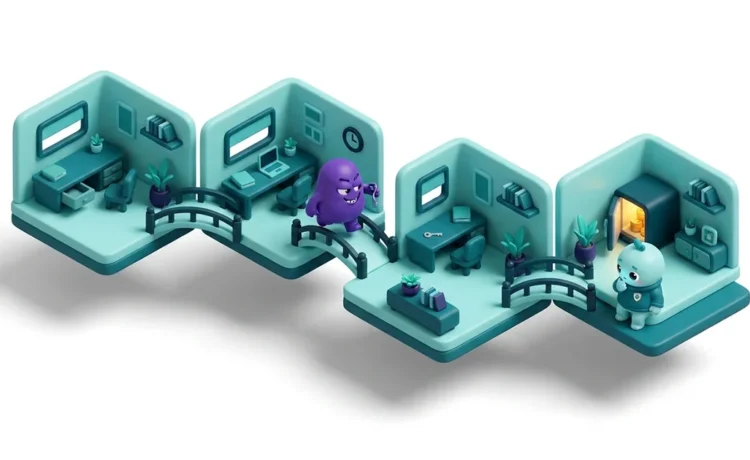
Lateral Movement Defined in Plain Terms
Lateral movement is the set of techniques an attacker uses to spread from the first device they compromise to other systems across your network, moving step by step toward higher privileges and more valuable data. MITRE ATT&CK catalogues it as a dedicated tactic, Lateral Movement (TA0008), the techniques adversaries use to enter and control remote systems.
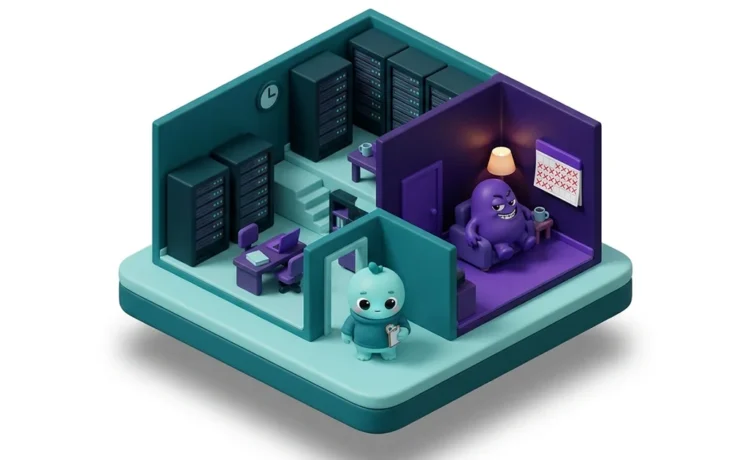
Most defences watch the perimeter, the boundary between your network and the internet. Lateral movement happens entirely inside that boundary, after the attacker is already in. It is the stage that turns a single infected laptop into a company-wide breach.
It is also the stage where ransomware does its damage. The 2026 Verizon Data Breach Investigations Report, which pools incident data from law enforcement and response firms, found ransomware present in 48% of breaches, a record high. Ransomware only reaches that scale by moving laterally first, so it can lock many machines at once rather than one.
How Lateral Movement Works
An attack rarely lands where the attacker wants to end up. The first foothold is usually an ordinary user’s laptop or an exposed server, reached through a stolen password, a phishing email or an unpatched service. From there the attacker has to travel to reach the domain controller, the finance system or the database that holds the real value.
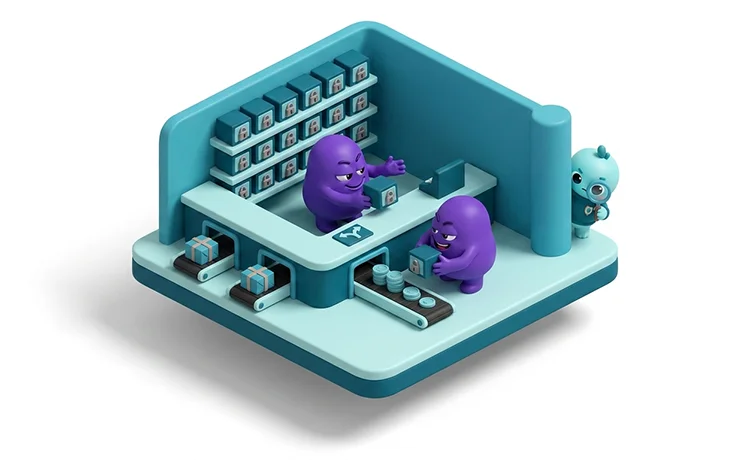
That travel follows a repeating loop. The attacker looks around the compromised host to map the network and find accounts. They steal credentials from memory, from files or from the traffic itself. They use those credentials to log in to the next machine. Then they run the loop again from the new position, reaching a little further each time.
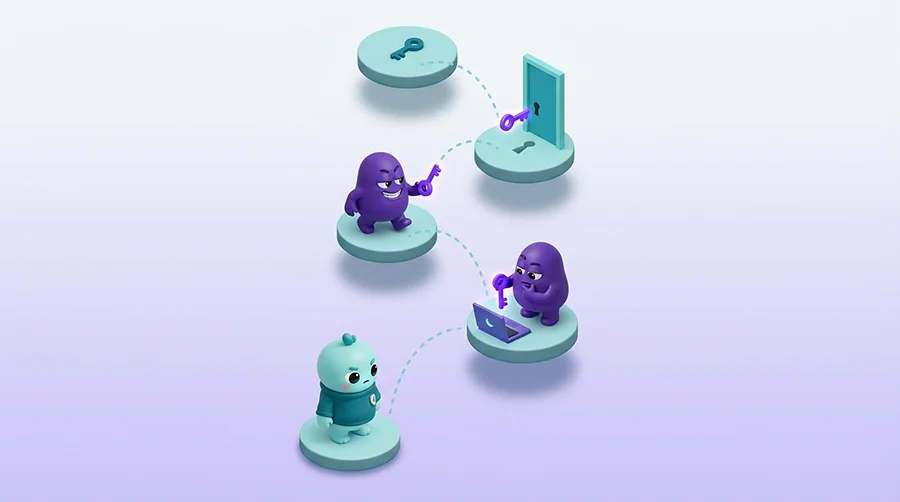
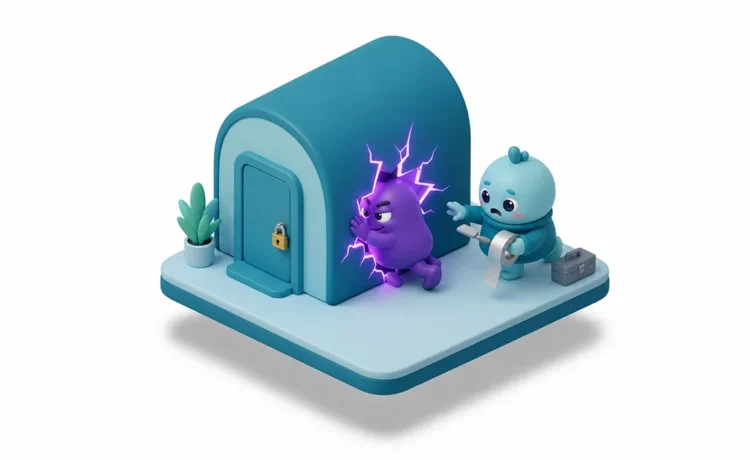
Two things make this quiet. Most of the techniques use legitimate tools and valid accounts, so the activity looks like normal administration. And it all happens inside the network, where many organisations have far less monitoring than they do at the perimeter. An attacker using a real account and a built-in Windows tool does not trip the alarms built to catch malware at the door.
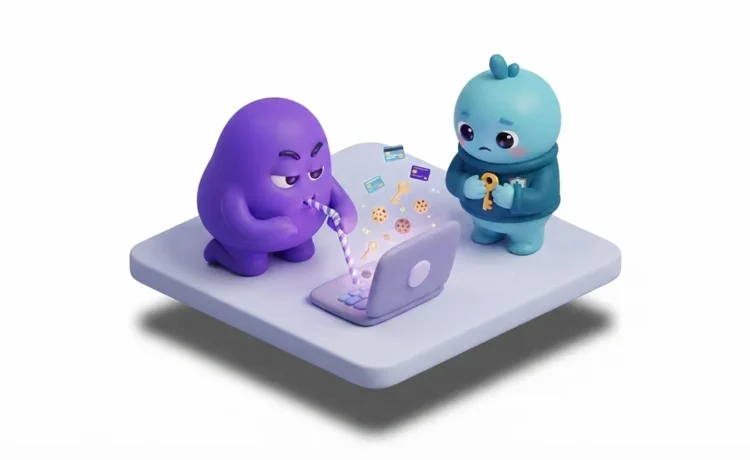
Credentials are the fuel for the whole process. The 2026 DBIR found that credential abuse appears somewhere in 39% of breaches, more than any other technique, because stolen logins are what let an attacker keep hopping from host to host.
Common Lateral Movement Techniques
Of the nine techniques MITRE ATT&CK lists under Lateral Movement, a handful account for most real intrusions. Almost all of them abuse authentication or remote-administration features that your own IT team relies on every day. These are the main ones to know.
- Pass-the-Hash: Windows can prove who you are using a cryptographic hash of your password rather than the password itself. An attacker who steals that hash from a machine’s memory can authenticate as you on other machines, without ever knowing or cracking your password.
- Pass-the-Ticket: the same idea applied to Kerberos, the main authentication system in a Windows domain. Stealing or forging a Kerberos ticket lets an attacker present it as proof of identity and reach services as that user.
- Remote services: attackers log in to other machines using the same remote-access tools administrators use, such as Remote Desktop, Windows file shares, Windows Remote Management and utilities like PsExec. With a valid account this looks entirely legitimate.
- Exploiting remote services: where a machine runs an unpatched, vulnerable service, an attacker can exploit it to jump to that system directly. The NotPetya worm spread partly through an exploit of this kind.
- Lateral tool transfer: once on a new host, attackers copy their tools across using ordinary file-sharing, so each machine they reach is ready for the next hop.
- Internal spearphishing: after taking over one mailbox, an attacker emails colleagues from a trusted internal address, a far more convincing lure than anything from outside.
The pattern across all of them is the same. The attacker is not breaking in again at each step. They are logging in, using access and tools that already exist, which is what makes a lateral movement attack so hard to separate from normal work.
Lateral Movement in Active Directory
Most organisations run Microsoft Active Directory to manage users, computers and permissions, which makes it the main arena for lateral movement. Active Directory is built to let one set of credentials work across many systems, the same property an attacker wants to abuse. Compromise the right account and the directory itself hands over the keys.
The prize is the domain controller, the server that authenticates every login. An account with control over it, or over the special account that signs Kerberos tickets, effectively owns the whole domain. Attackers work toward that point by stealing privileged credentials and reusing them, hop by hop, until they reach it.
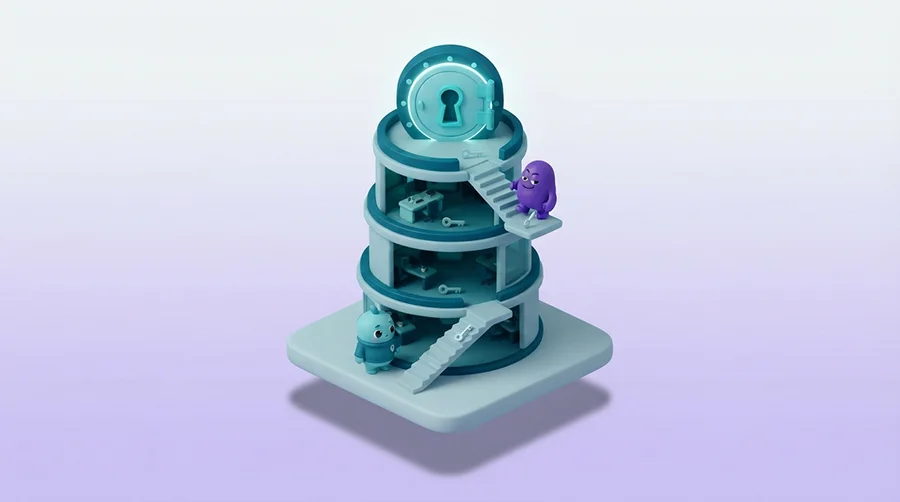
Several well-known techniques target this design. Kerberoasting lets any ordinary user request a ticket for a service account and then try to crack its password offline. A forged master ticket, often called a golden ticket, lets an attacker impersonate anyone in the domain. Attackers also abuse the directory’s own replication feature to pull password data straight from a domain controller.
The lesson is that in a Windows network, identity is the real perimeter. Protecting the accounts and servers at the top of Active Directory matters more than any single endpoint, because that is what lateral movement is ultimately trying to reach.
The Business Impact of Lateral Movement
Lateral movement is what decides how bad a breach becomes. A single compromised laptop, contained quickly, is an incident. The same laptop left to spread for days is a crisis. The difference between the two is almost always whether the attacker could move.
The clearest cost is ransomware. Modern ransomware crews deliberately spread across as many systems as they can before triggering encryption, so everything locks at once and recovery is hardest. The blast radius, the number of machines and services taken down, is largely fixed during the lateral movement phase rather than at the final payload.
There is a time cost too. Attackers often sit inside a network for days or weeks, moving quietly from host to host before they are detected or act. Every extra day of movement means more data within reach, more systems at risk and a harder, more expensive clean-up. One of the cases below shows an attacker moving for nine days before the ransomware ever ran.
Beyond the direct damage sit the follow-on costs of downtime, incident response, legal and notification bills and lost trust. For regulated organisations there is now a compliance cost as well, because failing to control how far an attacker can move is increasingly treated as a failure to secure the network at all.
Real-World Cases
Three incidents show how lateral movement turns a foothold into a disaster, and the control that would have changed each one.
NotPetya, 2017
In June 2017 a destructive attack known as NotPetya spread out of Ukraine and around the world. It arrived through a tampered update to Ukrainian accounting software, then spread on its own across company networks.
According to the US agency CISA, NotPetya moved in two ways. Its most effective method stole credentials from a machine’s memory and reused them to run code on other machines through built-in Windows tools. It also exploited an unpatched Windows file-sharing flaw to reach systems directly. Because the credential method needed no vulnerability, even fully patched machines fell once one account was stolen.
The shipping giant Maersk was among the worst hit, rebuilding around 4,000 servers and 45,000 computers over roughly ten days, at a cost it put near 300 million dollars. Governments including the US and UK later attributed the attack to the Russian military.
Patching the file-sharing flaw was necessary but not enough on its own. CISA’s own guidance pointed to stronger controls. It recommended blocking workstation-to-workstation traffic and remote execution, and stopping the reuse of privileged credentials across machines, so one stolen login cannot unlock the rest.
Change Healthcare, 2024
In February 2024 Change Healthcare, a US health-payments company that handles a large share of the country’s medical claims, was hit by ransomware from the ALPHV group.
In testimony to the US Congress, the chief executive of its parent company said attackers logged in to a remote-access portal using stolen credentials on 12 February. The account had no multi-factor authentication. The attackers then moved through the network for nine days before deploying ransomware on 21 February and stealing data later reported to affect around 193 million people.
The company paid a ransom of about 22 million dollars. The single missing control at the entrance, a second authentication factor, let one stolen password become a nine-day intrusion.
Two controls would have changed the outcome. Multi-factor authentication on every internet-facing login closes the front door, and monitoring for unusual internal logins gives a chance to catch the movement long before day nine.
SolarWinds, 2020
In December 2020 the US agency CISA issued an emergency directive over a major espionage campaign that began with tampered software from the IT vendor SolarWinds. Around 18,000 organisations received the poisoned update, giving the attackers a foothold inside many networks at once.
What made the campaign notable was how it moved from on-premise networks into the cloud. CISA reported that the attackers stole the digital certificate an organisation uses to sign identity tokens, then forged their own tokens to log in to cloud services as any user they chose. Because each forged token was signed with the organisation’s own trusted certificate, it looked legitimate and often bypassed multi-factor authentication.
The US government later attributed the campaign to a Russian intelligence service. It reached several federal agencies and around a hundred private organisations.
Here the movement happened through identity rather than the network. The defence is to guard the identity systems at the core of the network as tightly as the most sensitive server, and to watch for tokens and logins that behave abnormally, such as unusually long-lived sessions.
Lateral Movement and Compliance
For organisations in Sweden and across the EU, limiting lateral movement is no longer just good practice. It is built into the rules you are audited against, which increasingly expect you to limit how far an attacker can move once inside.
Under the EU NIS2 Directive, brought into Swedish law as Cybersäkerhetslagen (SFS 2025:1506, in force 15 January 2026), Article 21 requires in-scope organisations to take risk-based measures including access control, network security and multi-factor authentication, the exact controls that limit internal movement. Article 20 makes the board personally accountable for them, and the supervisory authority MCF (formerly MSB) can act on missing measures whether or not a breach has happened. Our guide to NIS2 in Sweden sets out the full picture.
Financial entities face DORA, whose ICT risk-management rules expect network segmentation and strong access controls, supervised by Finansinspektionen. Organisations certified to ISO 27001 must manage access and segment networks as part of their information security management system, and auditors check that the controls actually work.
Where personal data is involved, GDPR Article 32 expects appropriate technical measures, and letting one stolen account reach an entire database is hard to defend as appropriate. Proving these controls hold is also what a penetration test is for, since it shows exactly how far an attacker could move in practice.
How to Detect and Stop Lateral Movement
Because lateral movement uses valid accounts and built-in tools, you cannot stop it with perimeter defences alone. The goal is to make each hop harder, shrink how far any one account can reach and watch for movement inside the network. A few controls do most of the work.
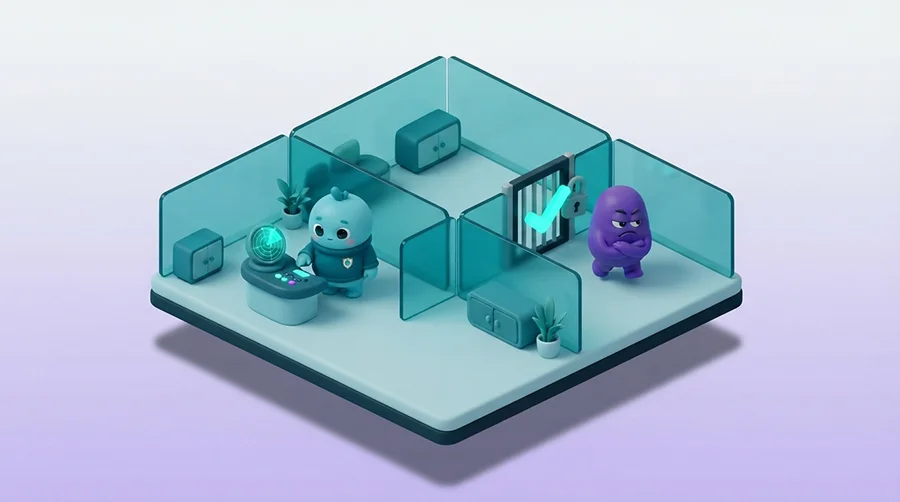
- Segment the network: divide it into zones and block the direct machine-to-machine traffic an attacker needs, so a compromise in one area cannot spread freely into another. Flat networks are what let NotPetya and similar attacks run wild.
- Enforce multi-factor authentication: require a second factor on every remote-access portal, VPN and privileged account. It is the control whose absence turned one stolen password into the Change Healthcare breach.
- Limit privilege and reuse: give accounts only the access they need, keep everyday admin accounts off ordinary workstations and make every machine’s local administrator password unique, so a stolen credential does not unlock the next host.
- Protect the identity core: treat domain controllers and the systems that issue identity tokens as your most sensitive assets, with the tightest access and the closest monitoring.
Detection matters just as much, because a determined attacker will still get a foothold. The signals that give an attack away are logins and connections that break the normal pattern. Watch for a workstation suddenly authenticating to many other machines, an administrator account used at an odd hour or from an odd place, a service account logging in interactively or new remote services and scheduled tasks appearing across hosts.
The honest caveat is that no single signal is proof. Each of these can be ordinary admin work, which is why effective detection means correlating activity across endpoints, the network and your identity systems rather than trusting one alert. That correlation across the whole environment is what managed detection and response is built to provide.
None of this needs exotic technology. It needs segmentation, disciplined access control and monitoring that reaches inside the network, not just the perimeter. Where an in-house team cannot watch that around the clock, running detection and response as a managed service, from 24/7 MDR to a penetration test that proves how far an attacker could move, is a common way to close the gap.